Test Results & Experimentation
We conducted real-world testing to verify the correctness and performance of the entire deployed infrastructure solution, including private DNS routing through VPC Endpoints, S3 access control, DynamoDB/SQS integration, CloudWatch monitoring, and the overall application behavior running on the EC2/ALB backend.
Web Application Experience Video
The video below demonstrates the full workflow of the Web application on the deployed infrastructure: DNS routing to S3 through a private endpoint, exporting/downloading monthly transaction reports via S3, the Nova Money AI assistant with chat history stored on DynamoDB, asynchronous transaction processing through SQS, and the CloudWatch monitoring dashboard.
Mobile Testing
Real Request Testing
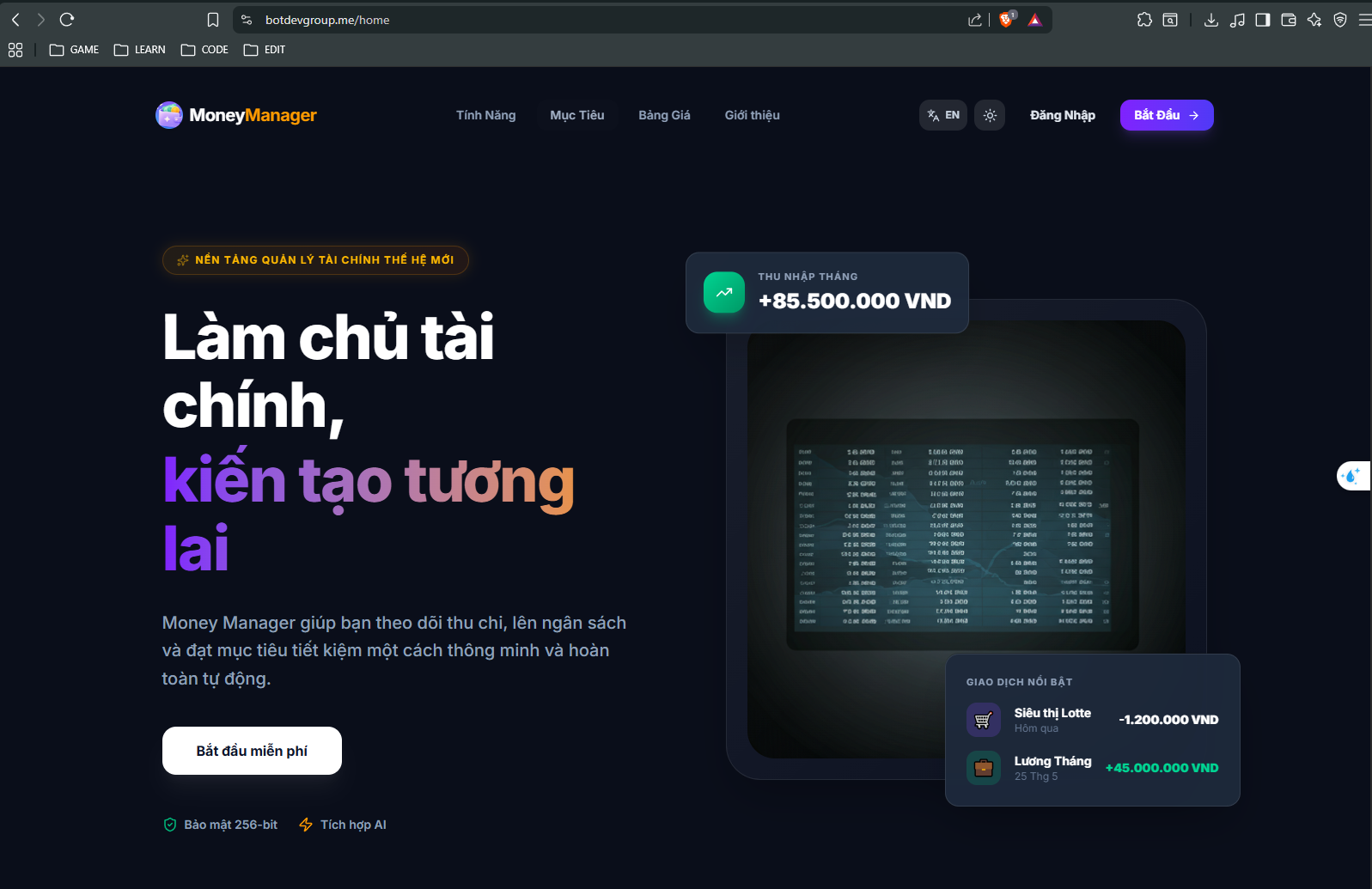
Access the domain botdevgroup.me to confirm the DNS record resolves correctly and the Money Manager homepage loads successfully through the deployed ALB/EC2 infrastructure.
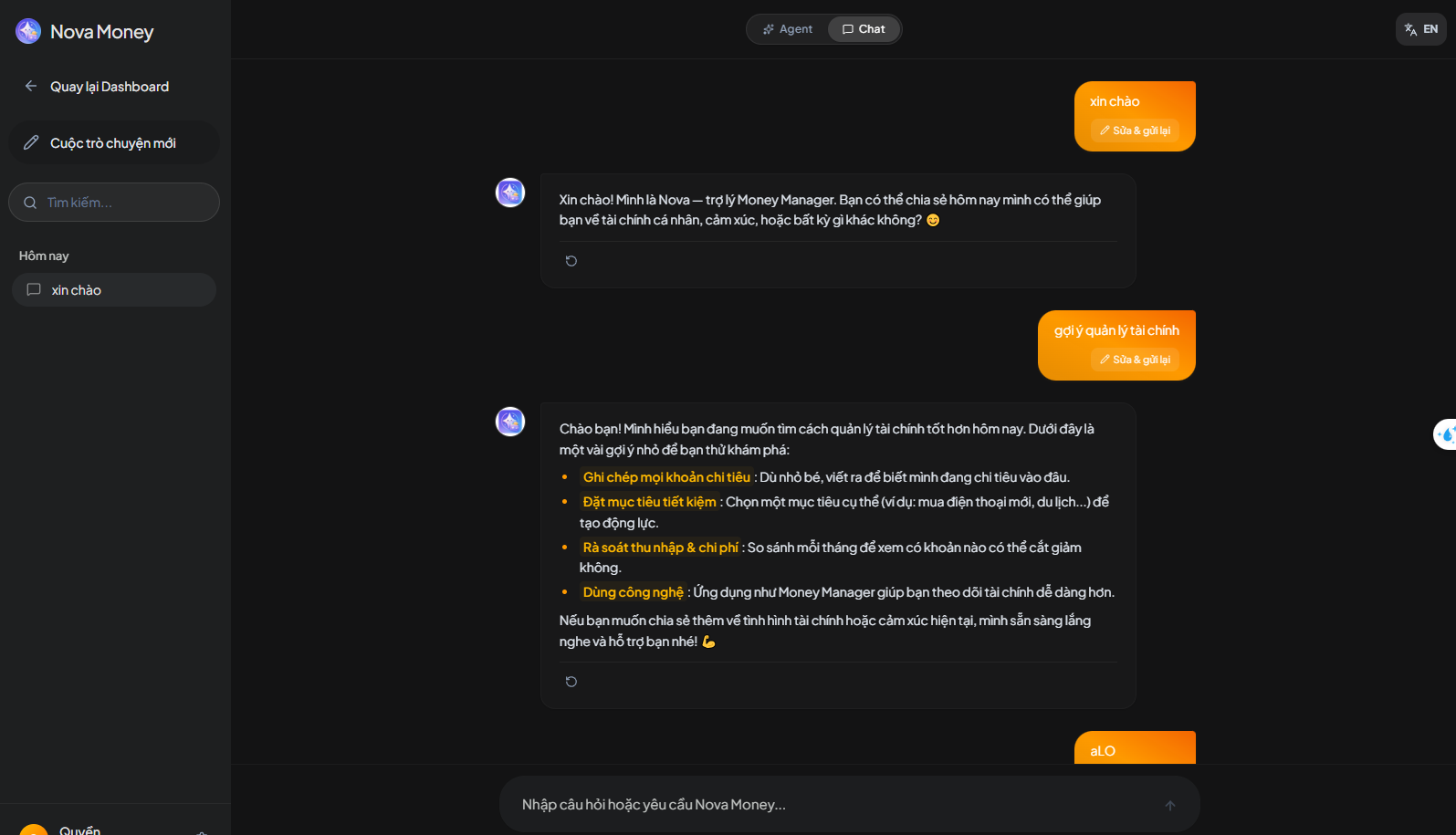
Send a test message to the Nova Money AI assistant to verify the chat flow works correctly and returns relevant suggestions.
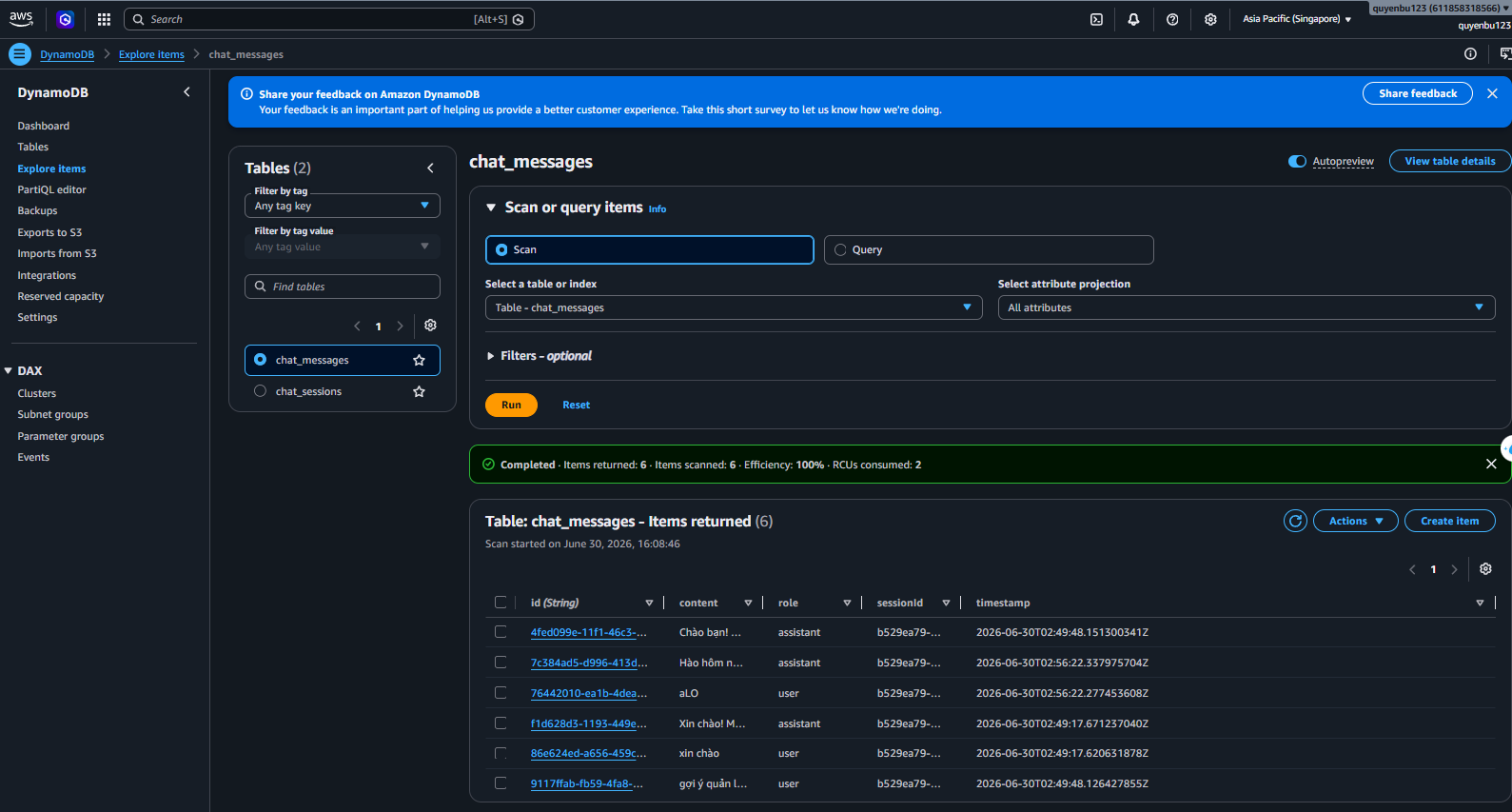
After chatting, run a Scan query on the chat_messages table in the DynamoDB Console to confirm all 6 messages from the test session (role: user/assistant) were recorded correctly, proving the chat history flow through DynamoDB is working as expected.
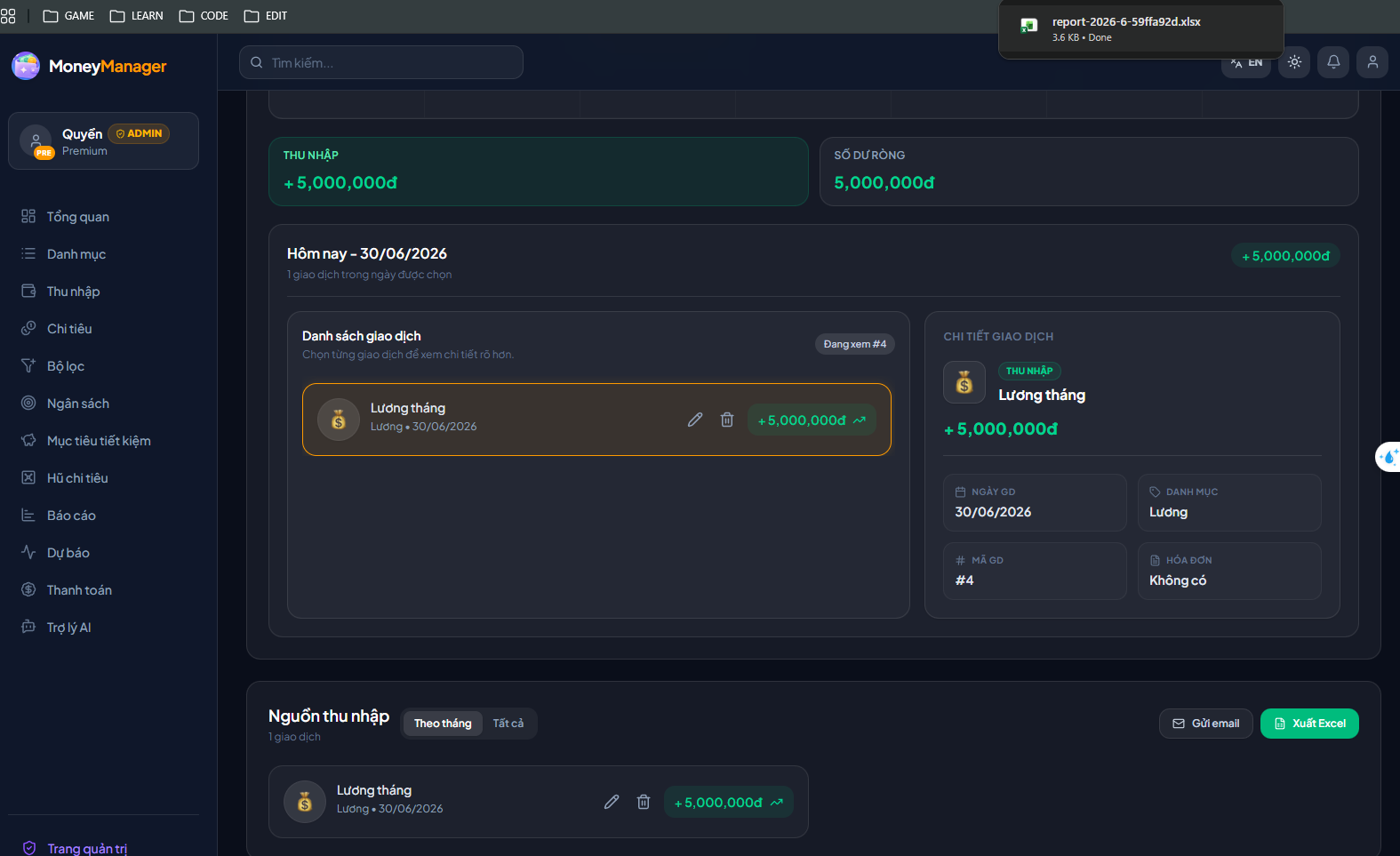
Perform the “Export Excel” action on the Report page to test the asynchronous processing flow (EC2 API pushes job to SQS -> Worker processes -> Lambda generates file -> saves to S3). The browser successfully receives and downloads the file report-2026-6-59ffa92d.xlsx.
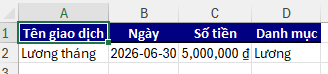
Open the downloaded Excel file to verify the data: the content matches exactly with the “Monthly salary” transaction (5,000,000 VND, dated 30/06/2026) entered in the system.
Log & Metric Monitoring via CloudWatch
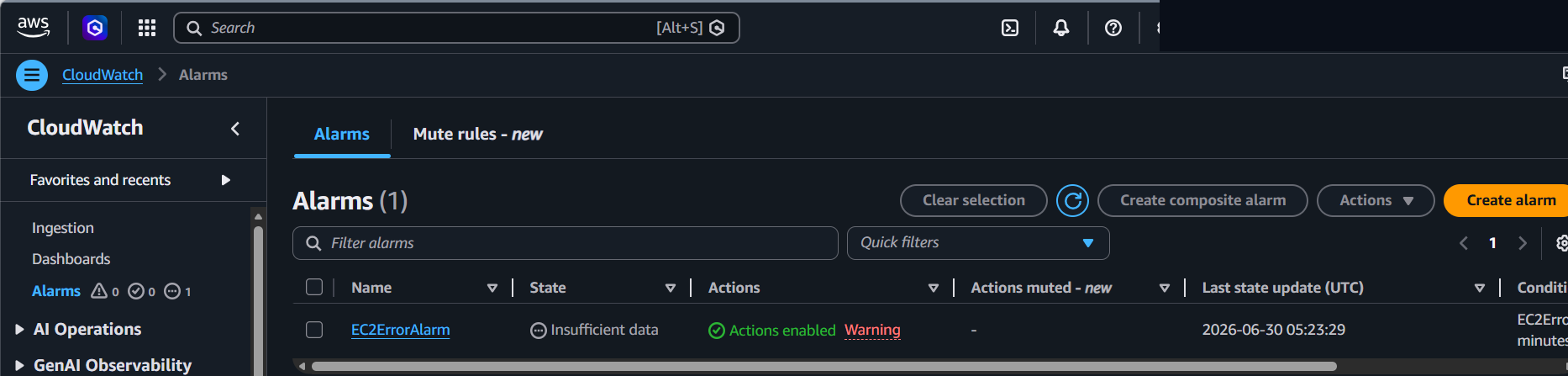
In the CloudWatch Console, the EC2ErrorAlarm (based on the Metric Filter reading error logs from the Log Group /aws/ec2/moneymanager-app) is in normal monitoring state.
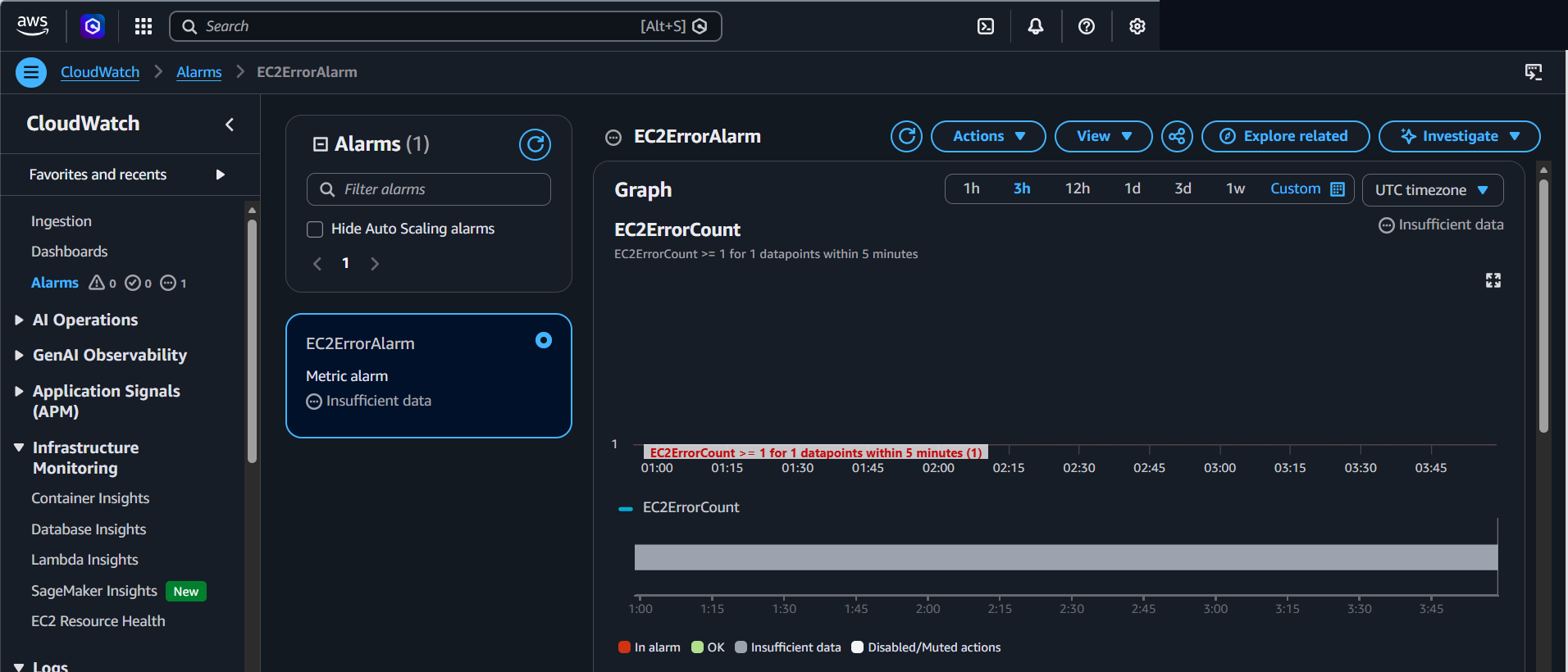
View the detailed metric chart for EC2ErrorCount over the last 3 hours: the alarm threshold is configured as “EC2ErrorCount >= 1 in 1 datapoint / 5 minutes”. The alarm shows Insufficient data because the application logs during the test period did not generate any error lines (no datapoint to evaluate), confirming the Metric Filter and Alarm are configured and working correctly, ready to transition to ALARM state and send SNS notifications as soon as actual errors are logged.
Mobile Application Testing
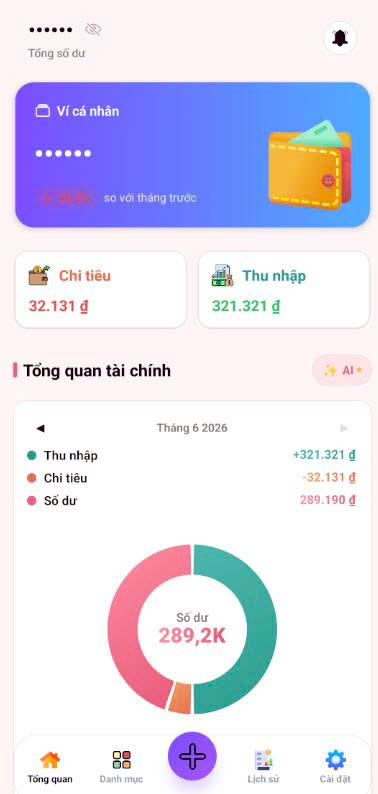
Using the same dataset and backend tested above, the Mobile application (React Native Expo) is tested directly on device to confirm all core business flows work consistently with the Web version.
Experience it here: https://mobile.botdevgroup.me/
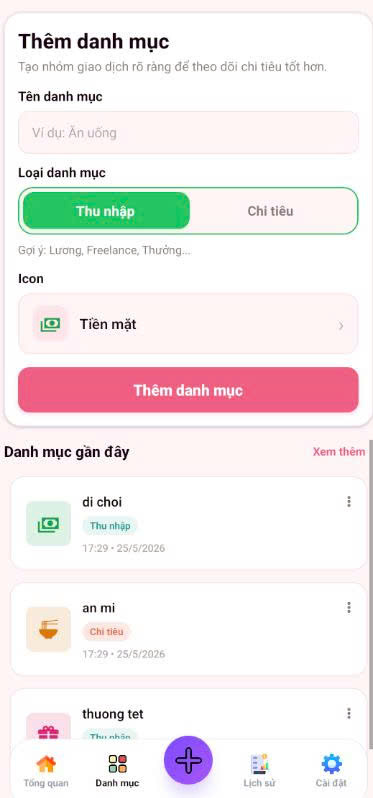
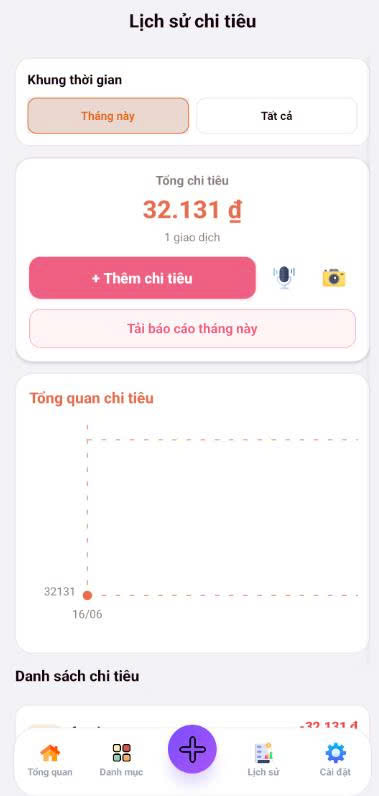
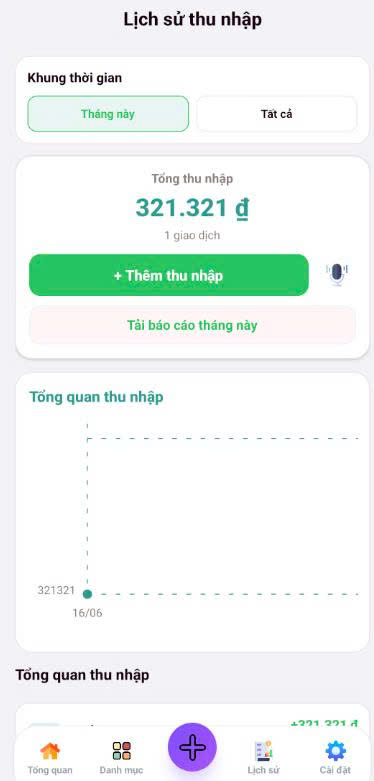
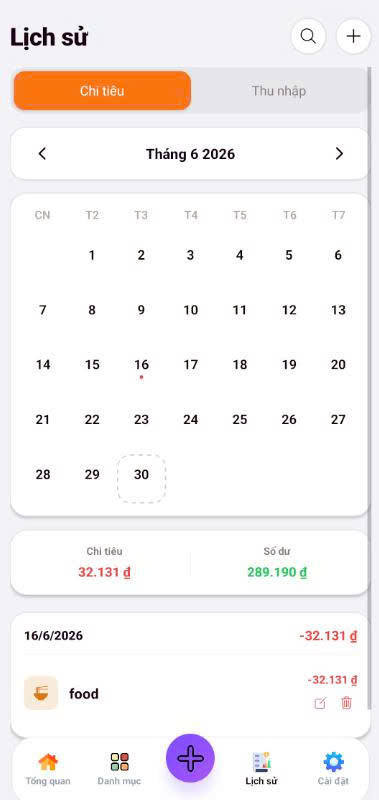
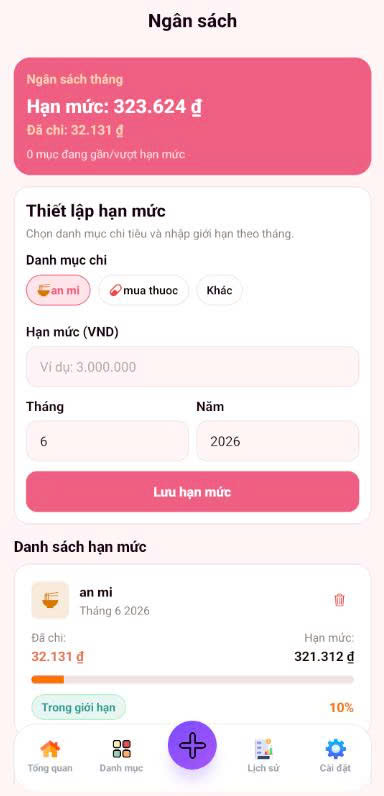
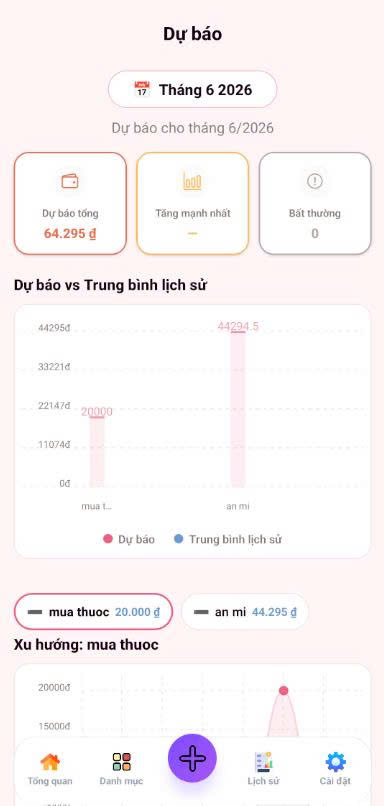
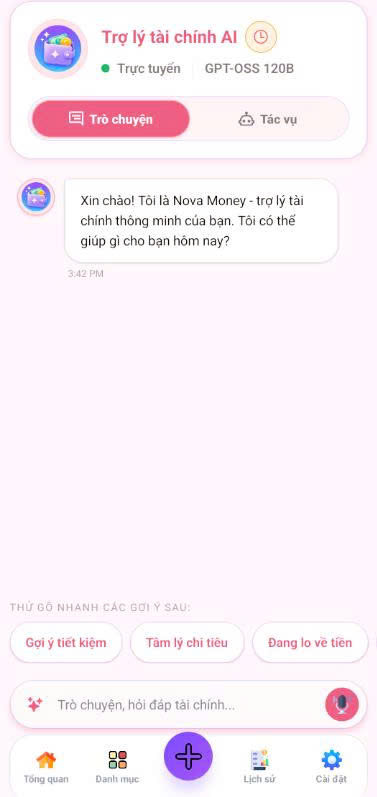

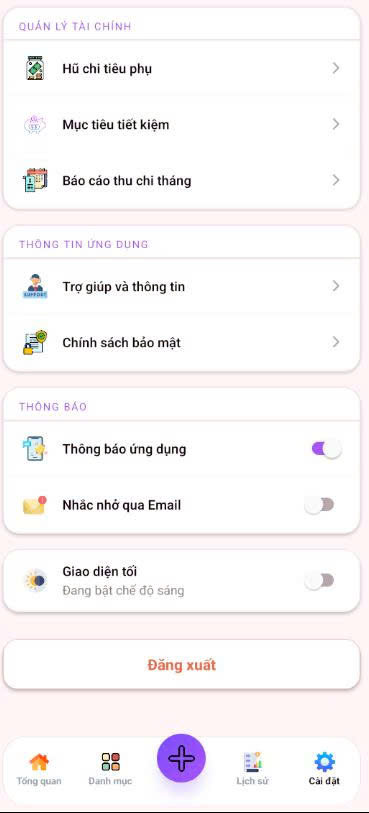
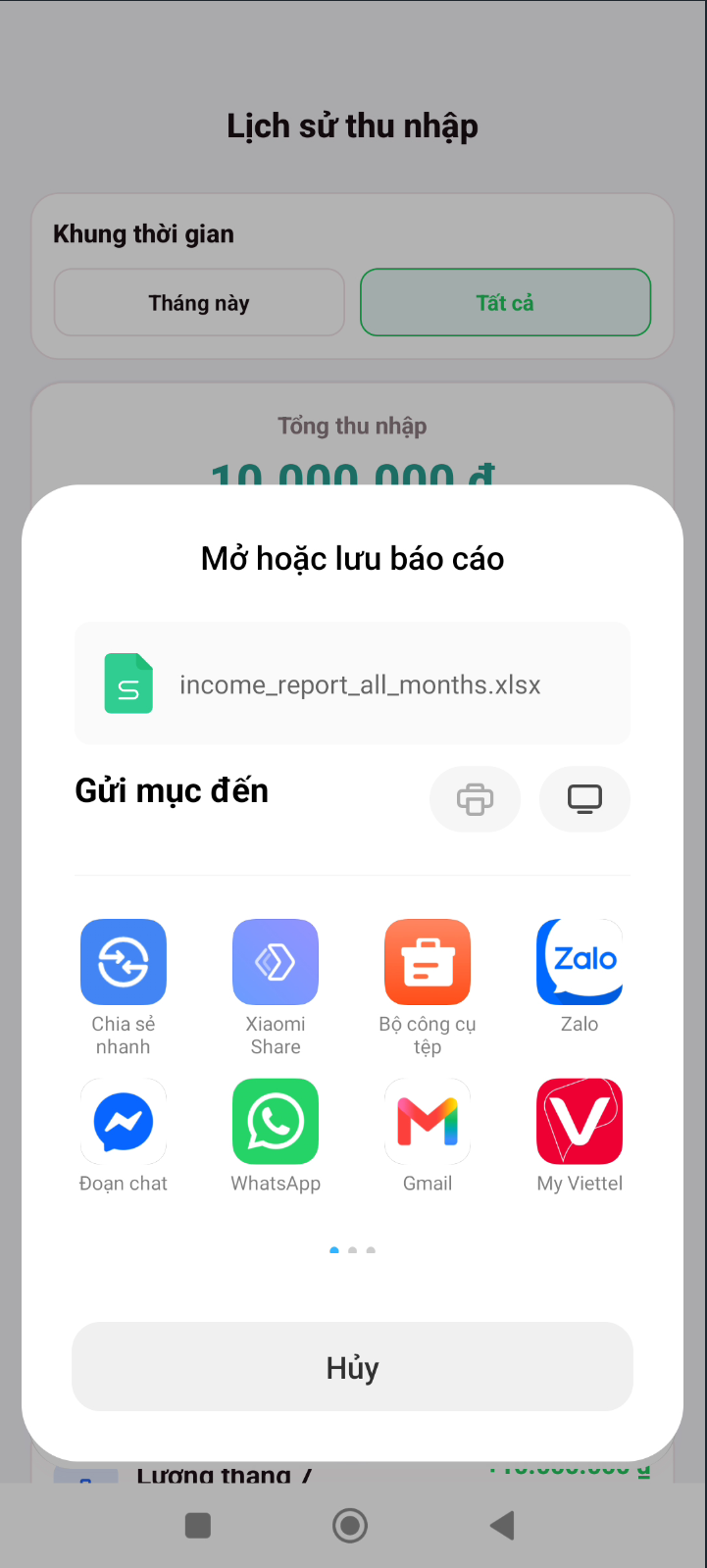
Test the Excel report export feature on Mobile: on the Income History screen, select the “All” time period and export file income_report_all_months.xlsx, the system correctly displays the app selection dialog to open/share the file.
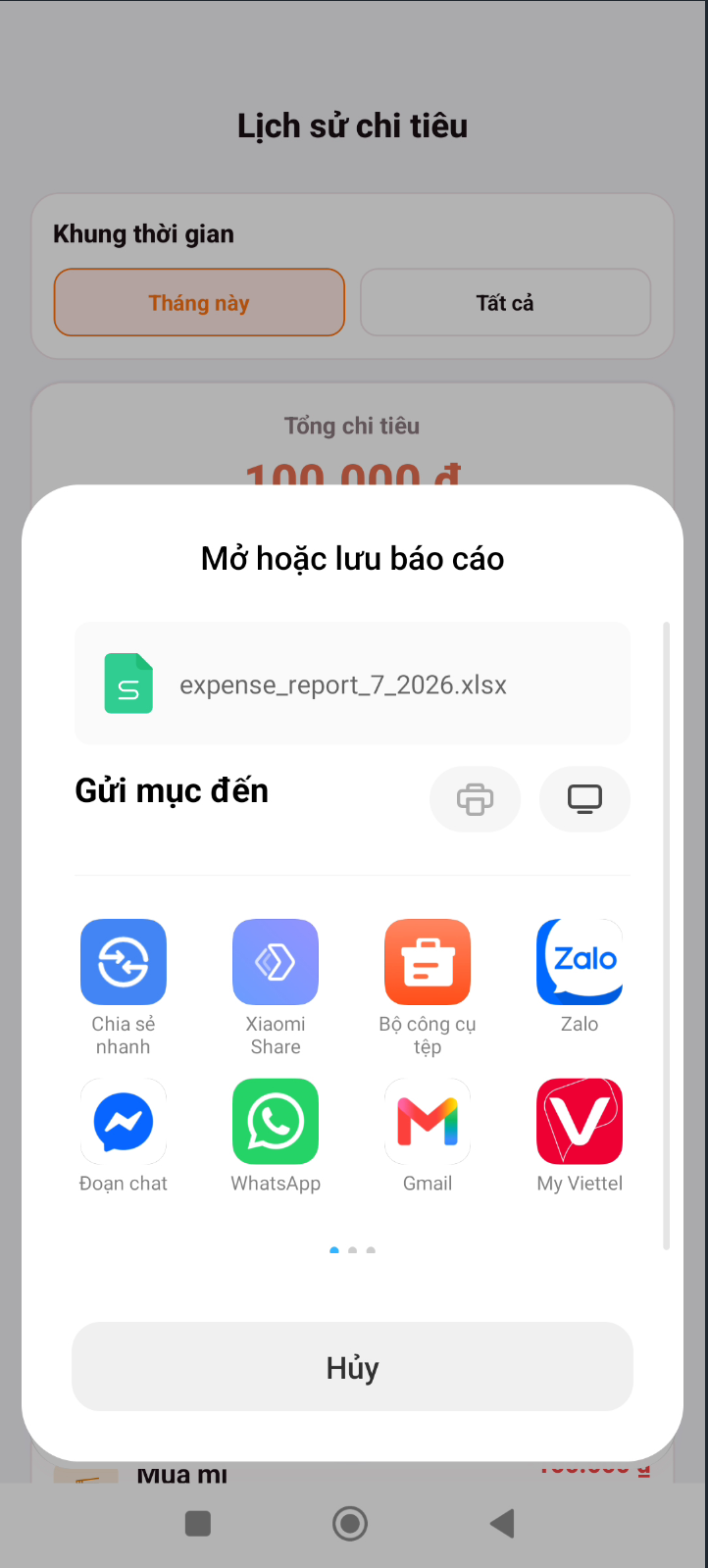
Similarly, on the Expense History screen, select the “This month” time period and export file expense_report_7_2026.xlsx, confirming the expense report export flow on Mobile works correctly.
Result: the Dashboard, Categories, Income/Expense History, Calendar, Budget, Forecast, Nova Money AI assistant, and Account screens on Mobile all display and sync data correctly with the shared backend deployed on AWS.
Expected Results
All of the above test flows (DNS routing through VPC Endpoint, AI chat + DynamoDB history storage, asynchronous report export via SQS/Lambda/S3, log/metric monitoring via CloudWatch, and all core Mobile business screens) produced correct results as designed, confirming that the infrastructure deployed in section 5.3 operates stably end-to-end on both Web and Mobile platforms.